
Ordering Sketch Files via Matterport is Easier Than You Think! Turn 3D into Ready-to-Use Files
Starting a renovation project or an interior design job often requires wasting time on-site to take measurements and draft plans from scratch. This process not only consumes several days but also runs the risk of human error from manual measurements, leading to inaccurate blueprints and repeated, time-consuming on-site corrections.
Let Matterport elevate your space management professionally with 5 simple steps to transform your 3D models into ready-to-use Sketch files instantly for estimation, planning, and design work!
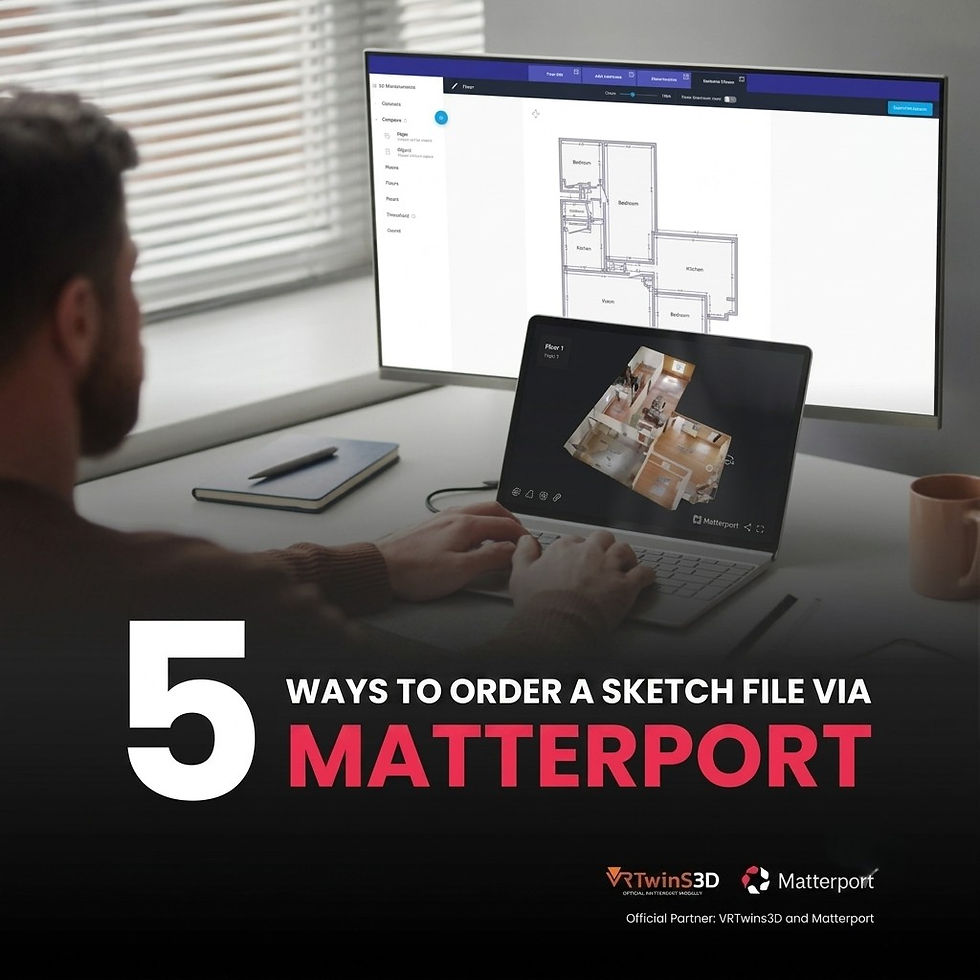
Elevate Your Workflow with Matterport Files
Say goodbye to manual measurements and switch to digital files that streamline your entire workflow:
📏 Remote Spatial Measurements: Measure dimensions and work directly from your screen, even without traveling to the actual site.
⏳ Save Time and Reduce Costs: Eliminate tedious steps and cut down on expenses from repeated, redundant site visits.
🎯 Enhance Operational Precision: Get exact space proportions for flawless reference in your design work.
💻 Ready-to-Use 3D Files: Deliver files that can be immediately imported and developed further in your design software.


Who is this solution for?
Utilizing Matterport Sketch files drastically reduces the time spent during the pre-design phase. It is perfect for:
Architects and Interior Designers: Get the actual spatial dimensions to immediately build upon your 3D models, eliminating any worries about design-to-space mismatches.
General Contractors: Use the files to streamline operational planning and evaluate on-site accessibility and preparation.
Estimators / Quantity Surveyors: Calculate required material quantities directly from files that offer millimeter-level accuracy For those interested in Matterport cameras, you can schedule a product demonstration to try it out before making a purchase. For more information, please contact us via the details below:

FB Inbox : m.me/vrtwins360
Line OA : @vrtwins3d (with @ sigh)
Webside : www.vrtwins3d.com